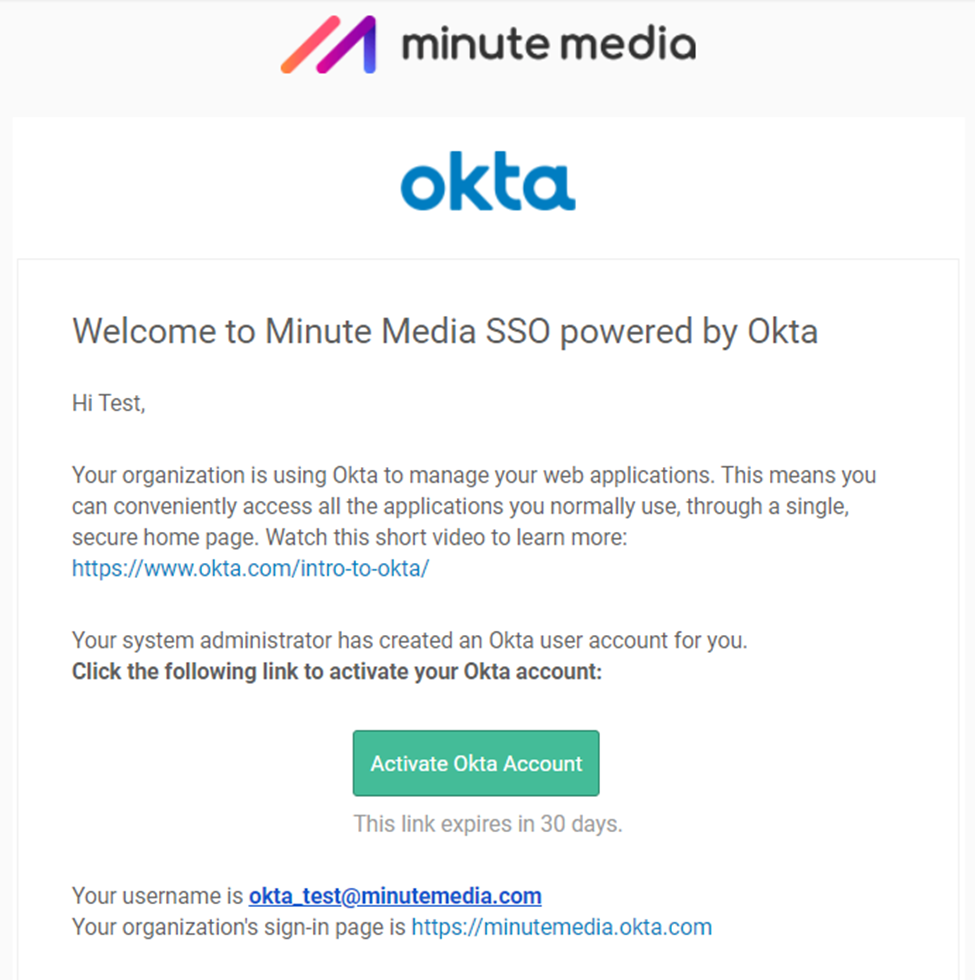
Following is a guide on activating your Okta account
- Upon receiving an activation email click on Activate account
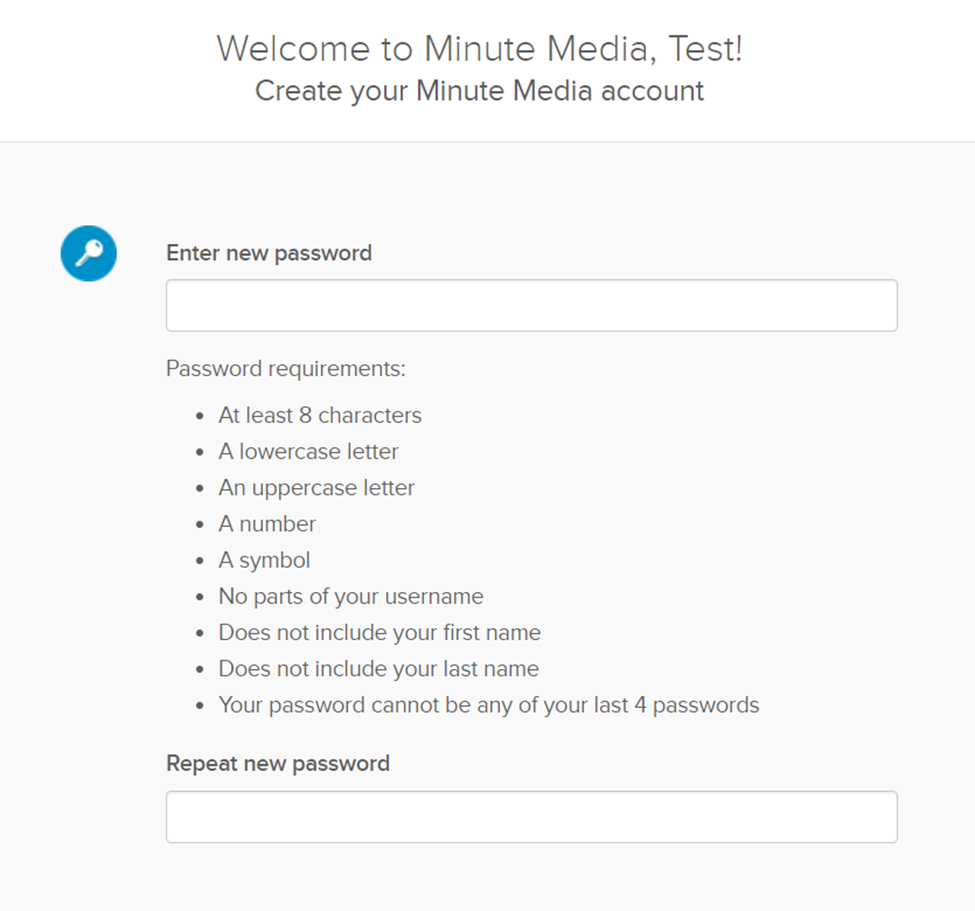
- Create account password
- Choose and answer forgot password questions
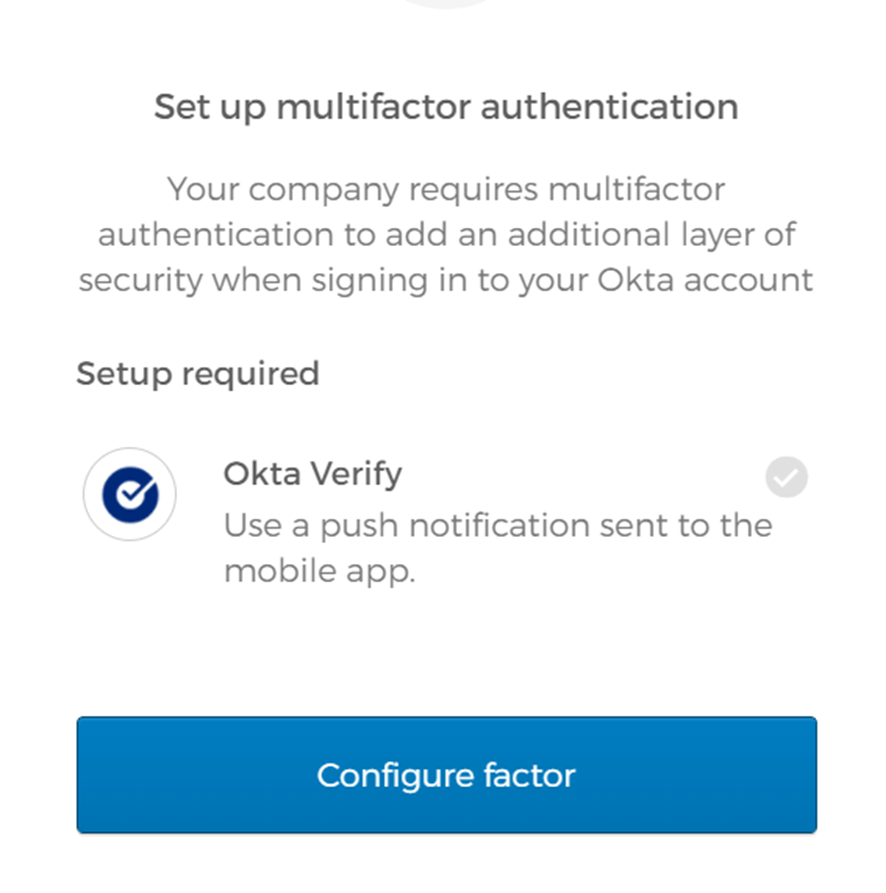
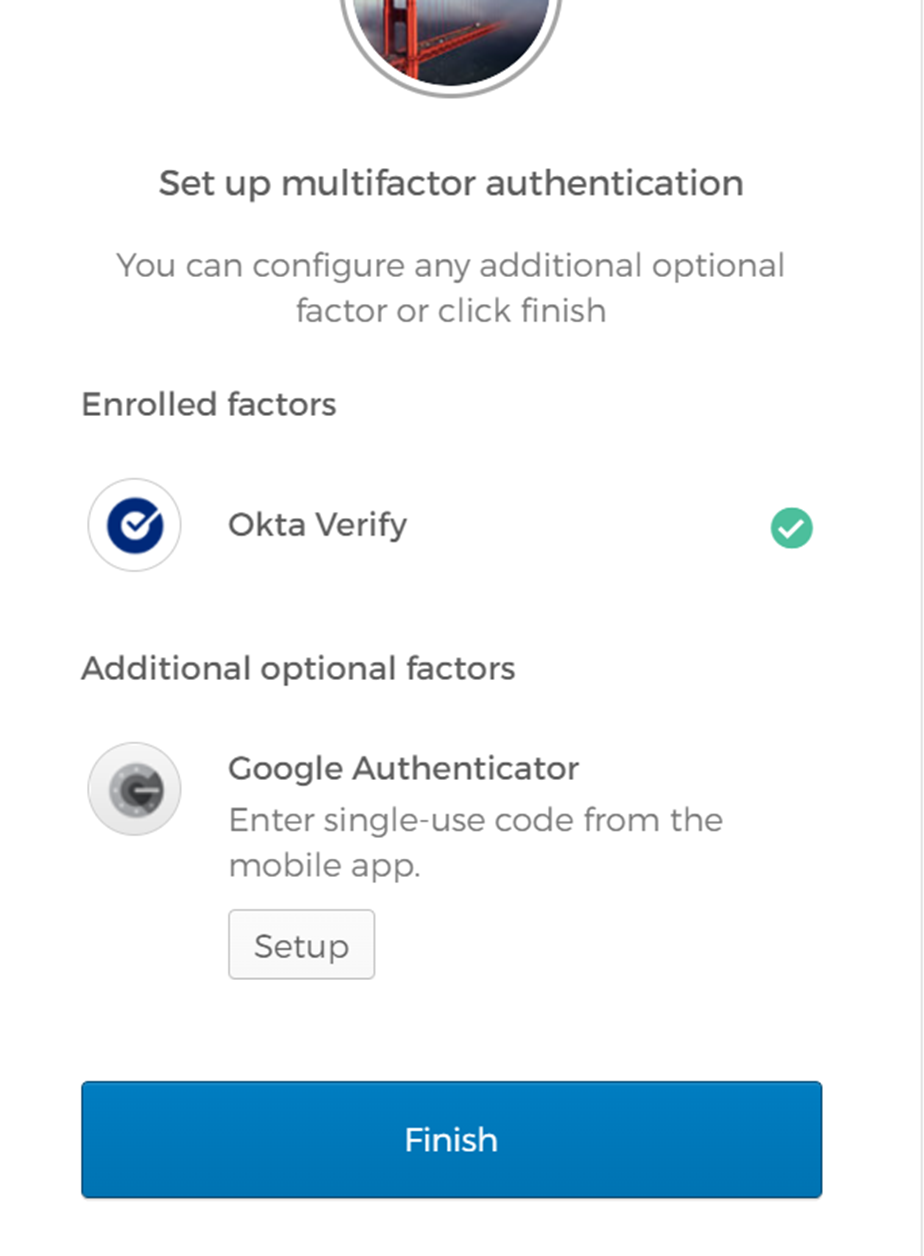
- Upon creating the account you need to setup Multi factor authentication using Okta Verify on your phone
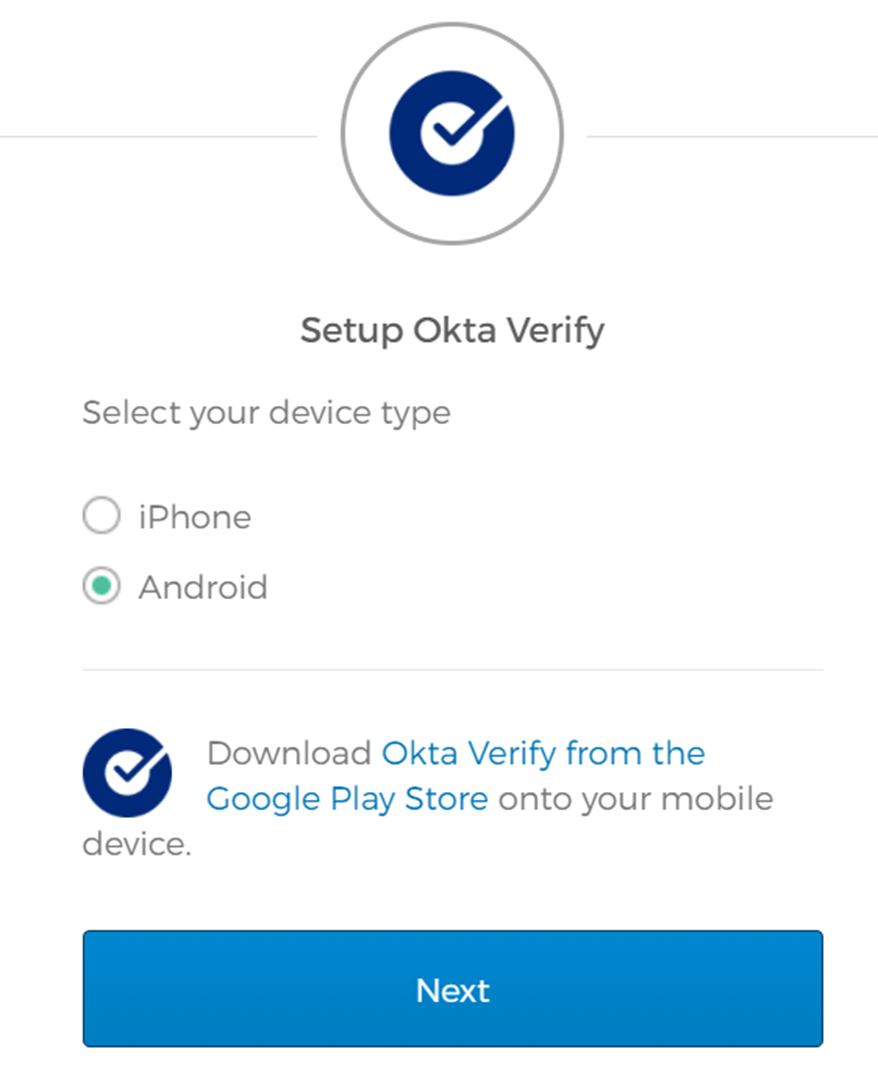
- On okta verify App. Select Add account, pick Organization, and then scan the QR code
- Click on Finish to complete process on computer
If phone setup did not succeed or wasn’t clear you can check the following instructions:
Android - https://help.okta.com/eu/en-us/Content/Topics/end-user/ov-setup-android.htm
IOS - https://help.okta.com/eu/en-us/Content/Topics/end-user/ov-overview-ios.htm
Comments
0 comments
Please sign in to leave a comment.